Make it yours.
Set up your tables, service hours and menu to match the way your venue runs.
 Talk to Pace
RESTAURANT & HOSPITALITY MANAGEMENT SOFTWARE
Pace brings restaurant bookings, table plans, menus, customer records and rewards into one place. Give your team a clear view of service and guests a connected app.
Restaurants
✳Cafés
✳Pubs & bars
✳Independent venues
EXPLORE PACE YOURSELF
Explore a working booking diary with sample reservations and table assignments. Open menus, edit dish options, and see customer and staff settings in the interactive demo.
Explore the back-office demoOpen the Pace Venues app in a device preview to explore bookings, menus, order-ahead choices and rewards from a guest's point of view.
Explore the guest appSEE THE REAL BACK OFFICE
Search every dish, manage options and prices, and keep dietary and allergen information consistent from one operational view.
Move through every menu and section from the left navigation, or search the whole catalogue at once. Dish names, descriptions, base prices, option groups and availability stay together, so the team can make a change without chasing separate files.
Open a dish and add required option groups for sizes, flavours or sides. Each choice can carry its own price difference, while minimum and maximum selections keep ordering clear for guests and practical for the kitchen.
Maintain dietary labels and allergen definitions in one dedicated editor. The same names, colours and icons can then support staff in the back office and guests in the app, with usage counts showing which symbols are already attached to dishes.
ONE CONNECTED BACK OFFICE
From the first booking to the next visit, give your team a shared view of what matters.
A clearer view of service
See what’s coming, assign the right tables and keep your team a step ahead. Set service hours that work for your kitchen.
FOR YOUR TEAM. FOR YOUR GUESTS.
Your team manages availability and menus in the back office. Guests can book, browse dishes with options and allergens, plan an order and return to their visit details in the live app.
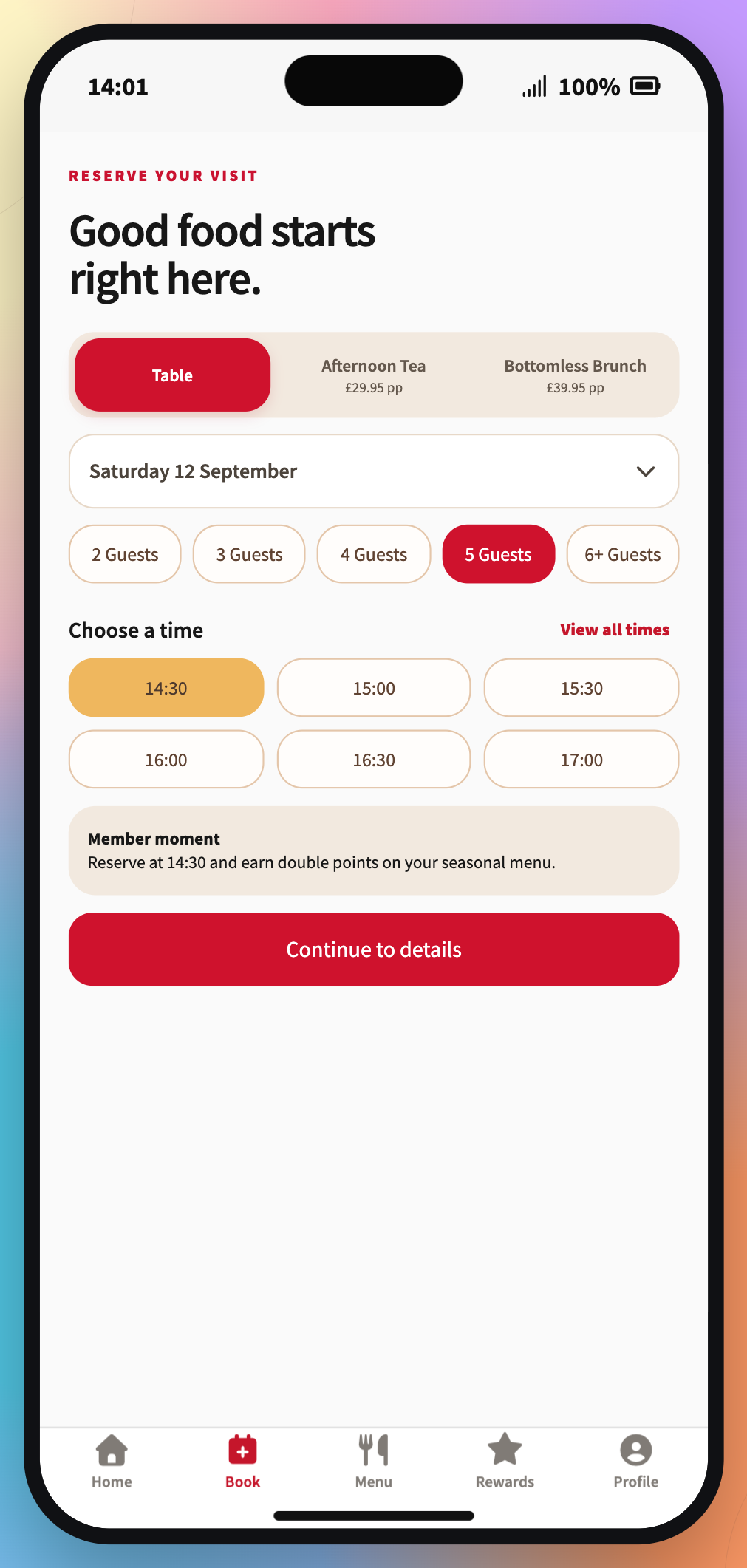
A booking screen with experiences, party sizes and available times.
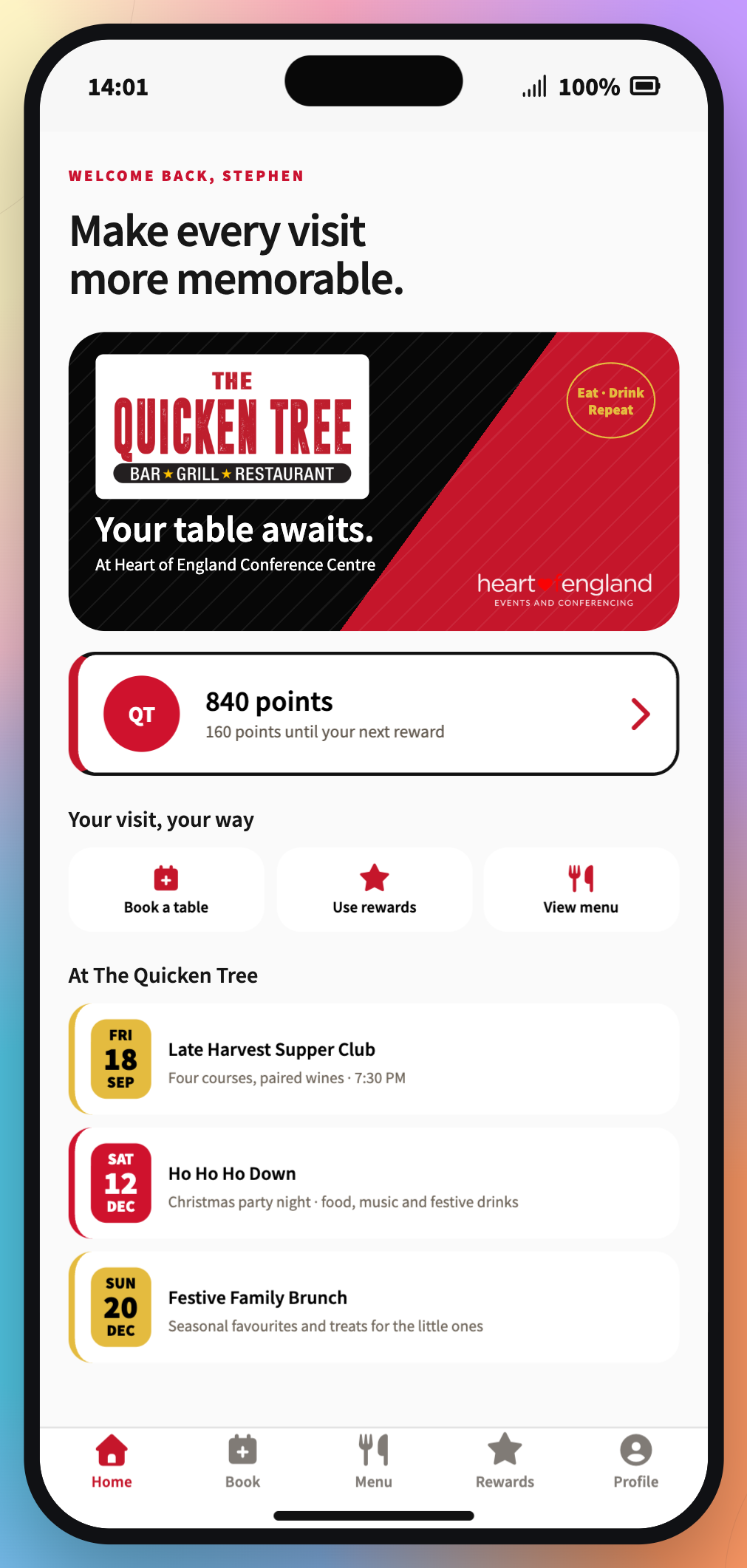
A booking review screen with visit details and guest information.
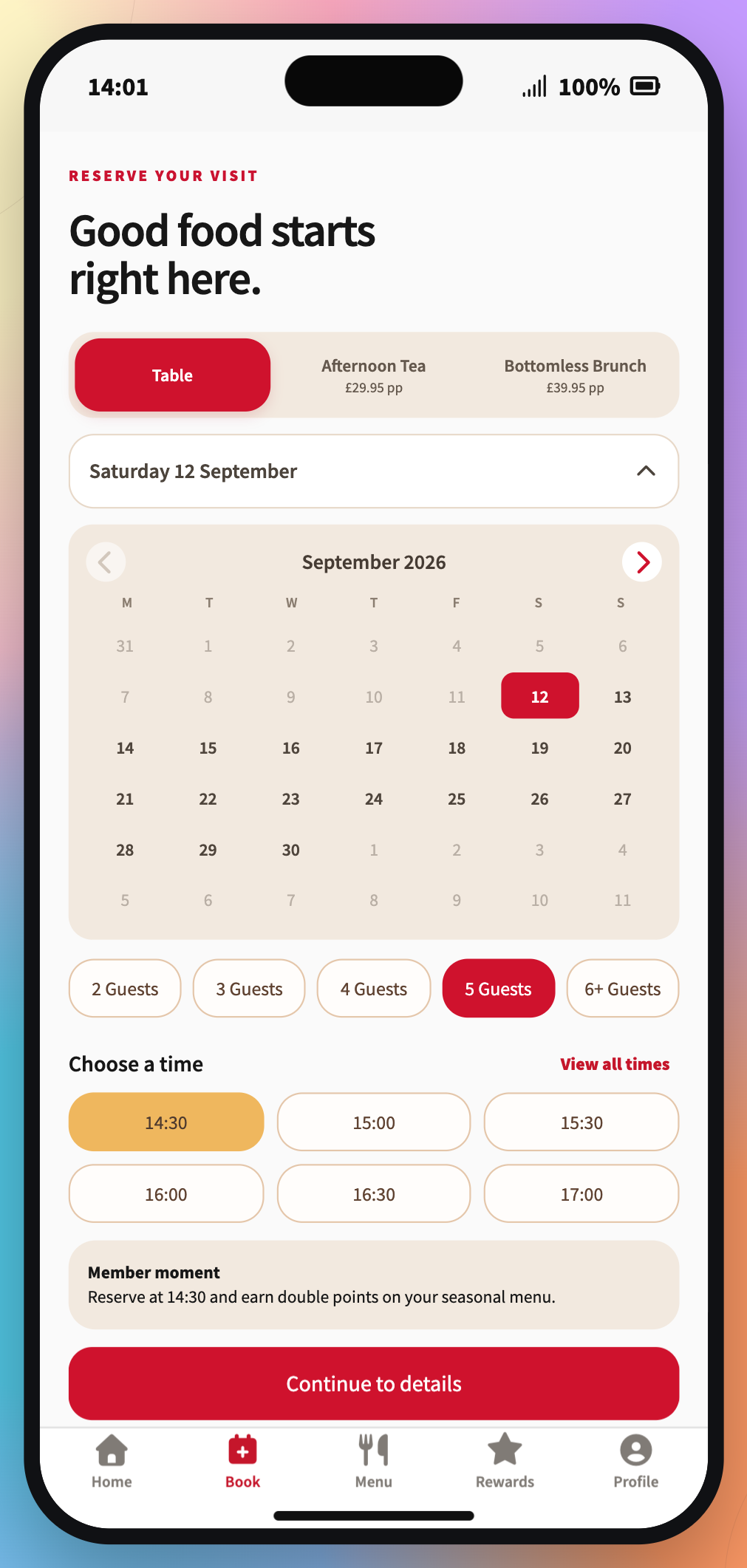
The guest home screen with upcoming visits, menus and rewards.
THE PEOPLE BEHIND THE SERVICE
Give managers the customer context they need and give each team member access that fits their job.
See contact details, bookings, loyalty, notes, preferences, tags and consent in one chronological customer record.
Combine visits, recency, points, tags and preferences, then preview who is eligible, suppressed or unreachable.
Set booking access to read or write, then choose customer, rewards and configuration permissions area by area.
A BETTER RHYTHM, EVERY DAY
Set up your tables, service hours and menu to match the way your venue runs.
Give your team a clear picture of bookings, guests and what’s on the menu.
Recognise your regulars and turn a thoughtful reward into a reason to return.
A STARTING POINT FOR YOUR VENUE
Start with daily operations, add customer loyalty, or give guests the full Pace mobile experience.
Compare plans and pricing detailsBookings, tables, hours, menus and availability.
Book a demoEverything in Core, plus customers, loyalty and rewards.
Book a demoEverything in Growth, plus the customer-facing Pace mobile app.
Book a demoIntroductory monthly prices apply for the first 3 months; standard prices start in month 4. Annual pricing and Pace Group quotes are on the pricing page. Prices exclude VAT. Setup and contract terms are confirmed in your quote.
A FEW GOOD QUESTIONS
Pace is designed for hospitality teams managing table bookings, menus and customer loyalty, from independent cafés to restaurants and pubs.
The back office brings together bookings, tables, venue hours, menus, a searchable customer list, rewards, staff accounts and permissions.
Yes. Booking access can be read-only or read-write, while customers, rewards and each configuration area have separate permissions.
Create a single-use code worth 0–1,000 points, choose an expiry date and download its QR code. You can also add points to an existing customer with an audited reason. Customer app scanning is planned for a later update.
Yes. Set kitchen closing and venue closing separately for every day. Bookings must start before the kitchen closes and finish before the venue closes.
SERVICE IN SYNC
Give your team the space to find theirs.