Set up the venue
Configure tables and capacities, choose default booking durations, set venue and kitchen closing times, then keep the operational rules in one place.
 Talk to Pace
PRODUCT TOUR
This is a guided tour of the workflows already shaped in the product: set up the venue, run the day from the back office and give guests a clearer reason to return.
Configure tables and capacities, choose default booking durations, set venue and kitchen closing times, then keep the operational rules in one place.
Review the day by date, see active bookings and guest counts, create or edit reservations, assign tables, capture notes and dietary needs, and inspect order-ahead details when present.
Manage service menus, sections and dishes. Update descriptions, prices, dietary information and availability without rebuilding the customer-facing experience.
Create single-use QR rewards with points and expiry dates, add points to an existing customer with a reason, and keep reward and points history visible to the team.
THE BACK OFFICE
The booking diary gives staff a date-based view of tables, times, guest counts and assignments. From the same workspace, the team can move into Rewards or Settings to keep the operation current.
Explore the platformTHE GUEST EXPERIENCE
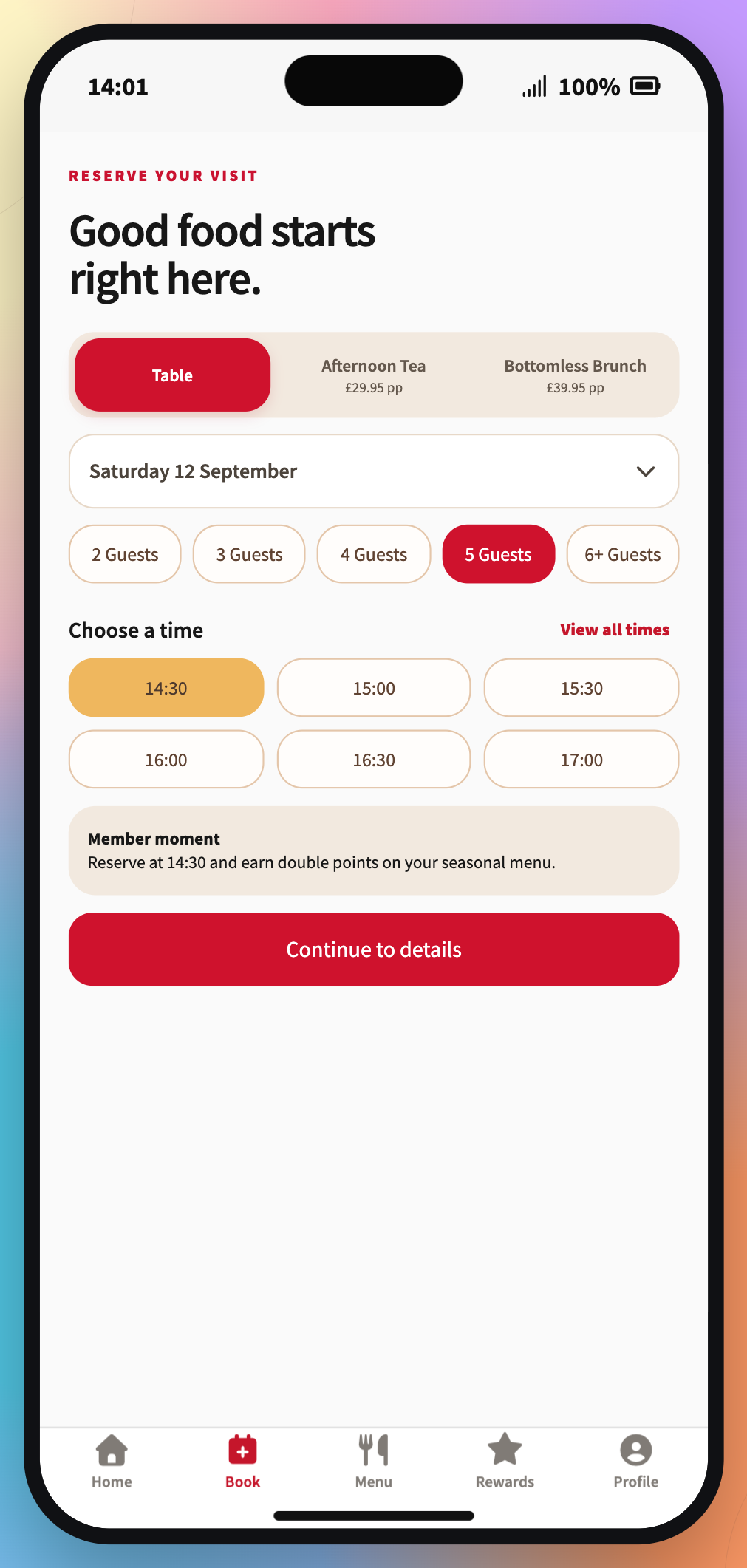
Guests can browse the venue menu, choose an experience and time, review booking details, keep upcoming visits close and see the value of being a regular.
See the guest app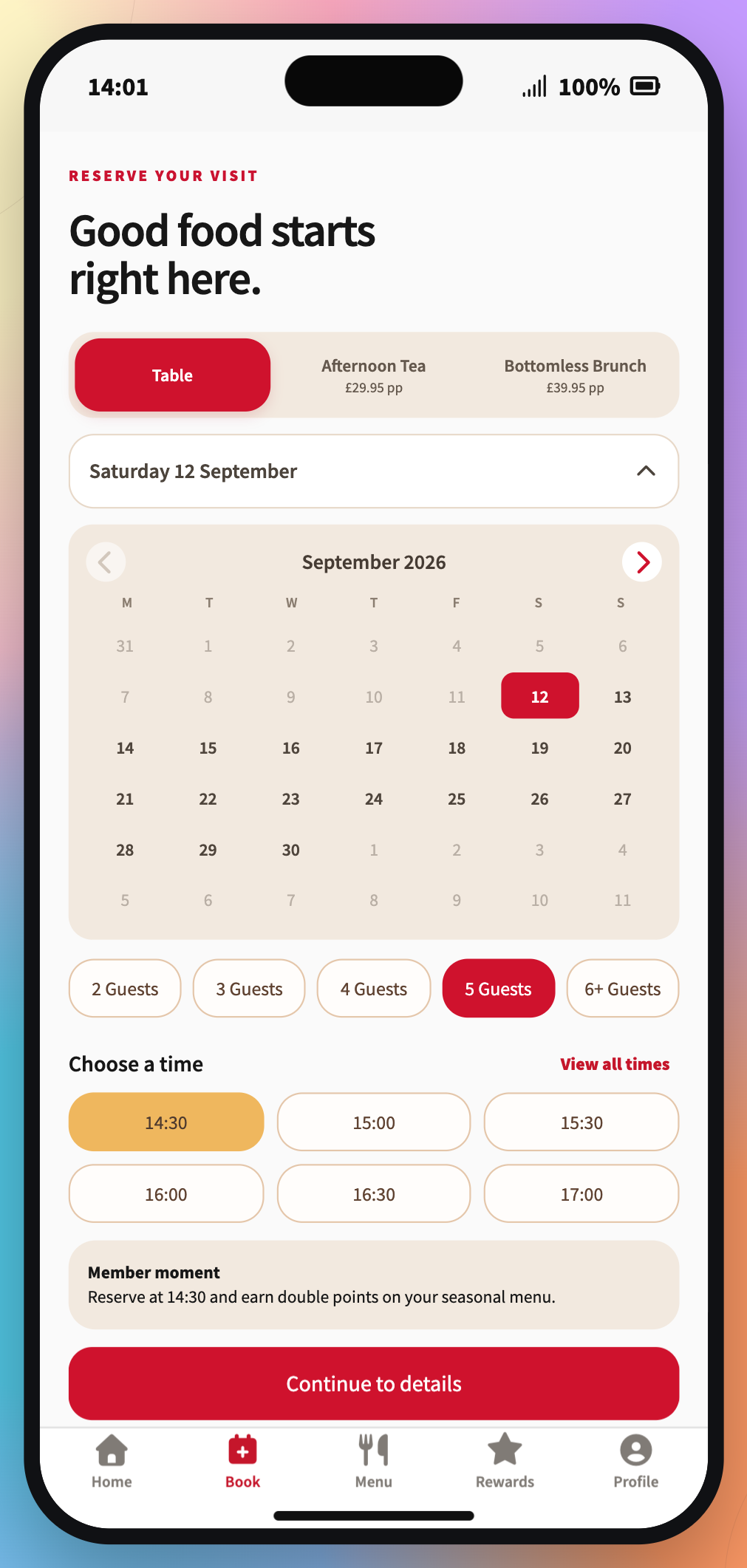
A SIMPLE WAY TO EXPLORE
Tell us how your venue works and we’ll help you find a practical next step.
Talk to Pace